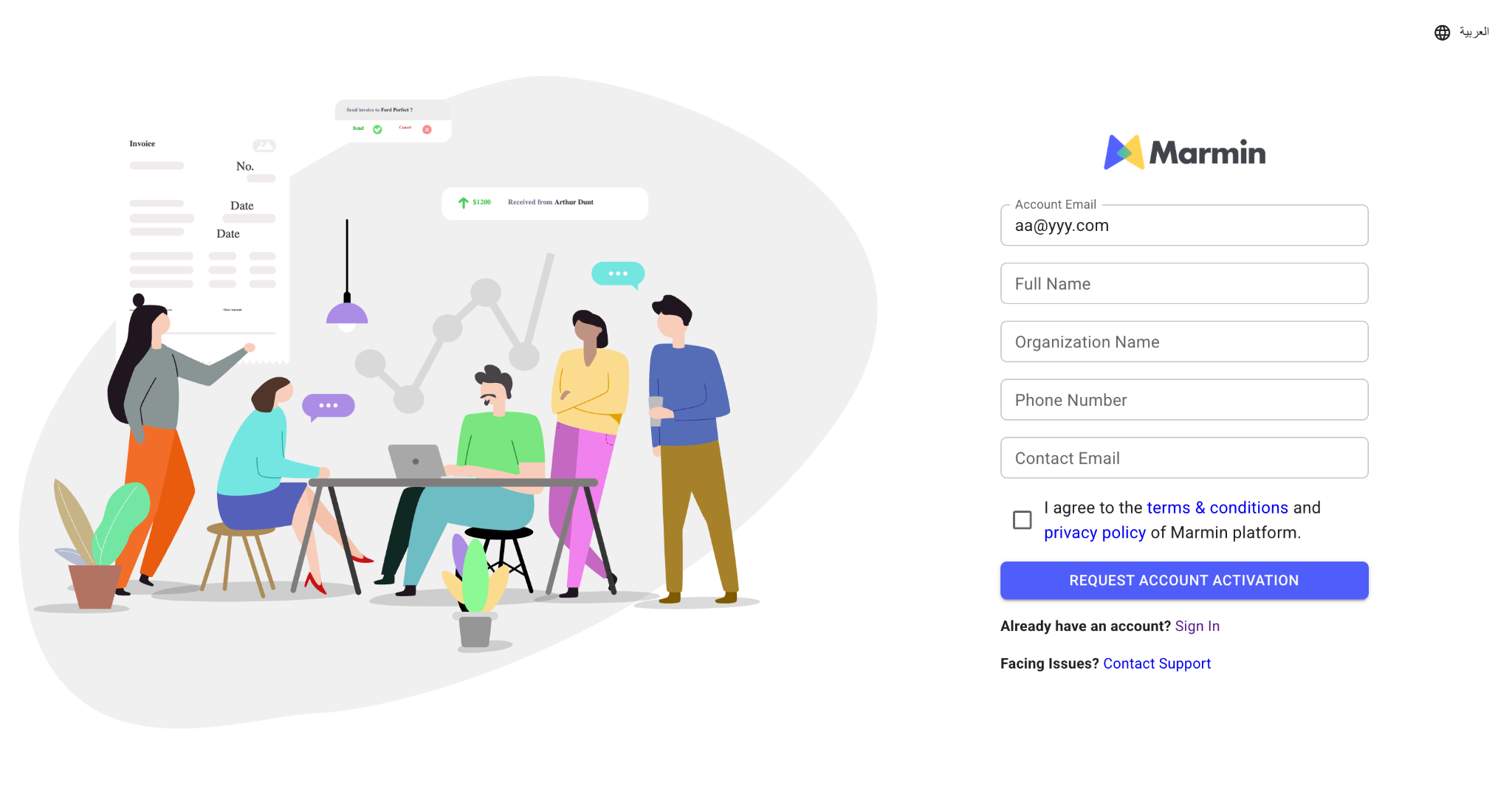
Signing Up for the Marmin Platform
The initial sign-up process is designed to capture essential organizational details required for system configuration.
Account Creation Steps
Initiate Request: Visit the Marmin web application and navigate to the
Sign Upoption on the login page.Provide Organization Details: Fill out the registration form with the following required information:
- Full Name: The primary contact person for the account.
- Organization Name: The legal name of your business as registered with the FTA.
- Work Email Address: Use a corporate email address associated with your organization.
- Phone Number: A valid contact number for account verification.
Submit for Activation: After completing the form, click the request button to
Request Account Activation.Verification & Approval: Once your request is submitted, the Marmin onboarding team will review your details and verify. You will receive an email confirmation once your account has been successfully activated.